When you talk to someone in person, you look at their eyes. When you film yourself, the person you are talking to is a small glass lens, and your instinct is to look at something else: your own face on the screen, your notes, or the script. The result is a video where you seem to be talking to someone just below or beside the viewer.
Good camera eye contact is mostly about removing the reasons to look away. This guide explains why reading below the lens shows, and the practical changes that keep your eyes where they belong.
Why reading below the lens shows
On a phone, the front camera sits at the top edge of the screen in portrait. If your script or notes are in the middle of the screen, your eyes are pointed several centimetres below the lens. At normal filming distance, that is enough for viewers to see you looking down. It reads as distracted or unsure, even if your words are confident.
The second giveaway is movement. Eyes that sweep left to right across long lines look like reading, because they are. Even if the text is close to the camera, a wide block of small text makes your eyes travel further and more often.
Keep your text right under the camera
The closer the words are to the lens, the smaller the angle between where you are reading and where the viewer expects you to look. Put your script at the very top of the screen, directly beneath the front camera, and keep only the line you are reading in that zone.
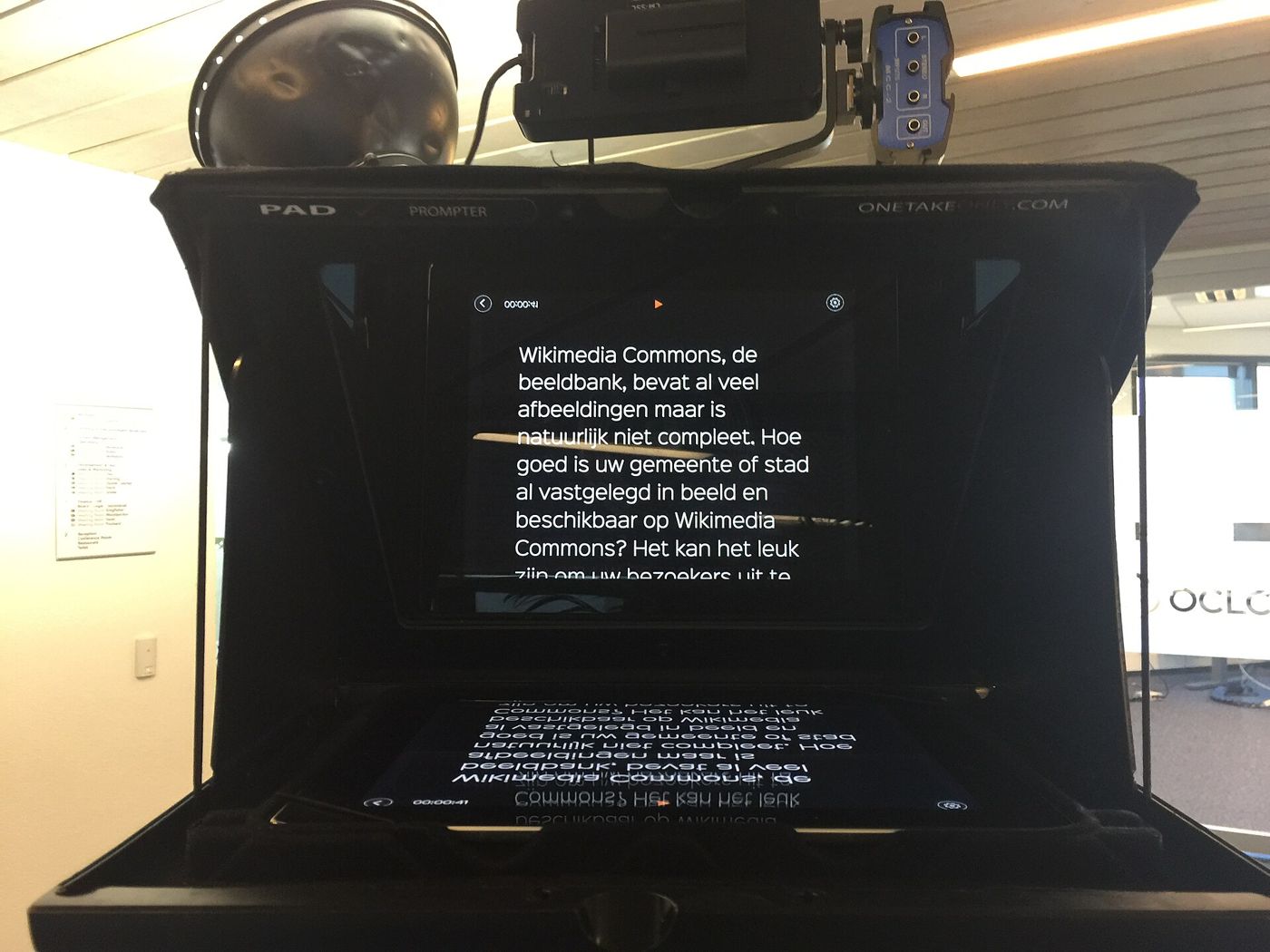
This is the main idea behind a camera teleprompter app. Eyecue scrolls your script right under the front camera while it records, so the line you are reading is always next to the lens rather than halfway down the screen. If you are filming with the back camera on a glass teleprompter rig, mirror mode flips the text so it reads correctly in the reflection.
Make the text narrow and large
Two settings do most of the work here:
- Larger text. Bigger words mean fewer words per line, and fewer words per line means less side-to-side movement. It also lets you read with a quick glance instead of a focused stare.
- Wider margins. Pulling the text into a narrow column directly under the lens keeps your eyes centred. Ideally each line holds just a few words.
It can feel strange to read only a handful of words at a time, but it quickly becomes natural, and on camera it looks much more like thinking than reading. Extra line spacing helps too, because it makes your current line easy to find after you look at the lens.
Move a little further from the phone
Distance is an underused trick. The closer your face is to the phone, the larger the angle your eyes must turn to reach the text, and the more visible every movement becomes. Sitting or standing a bit further back shrinks that angle, so the same reading movements are much harder to notice.
The trade-off is that you need bigger text to read comfortably at that distance, which is fine, since bigger text also helps with the previous point. Experiment with arm's length and a little beyond, and check the footage.
Do a ten second test clip at two distances and watch them back with the sound off. Pick the one where your eyes look steadiest.
Set the pace so you can look up
If the text scrolls too fast, you will keep your eyes glued to it just to keep up. A slightly slower pace gives you time to glance at the words, then look into the lens to finish the sentence. Conversational speaking usually sits around 130 to 160 words per minute; our guide on teleprompter speed and words per minute explains how to find yours.
Voice scroll is another option. In Eyecue, voice scroll follows what you say, in English, French, Spanish and Arabic, so you can hold eye contact for a moment without the script running away from you.
Mark the lens
It sounds simple, but a visual reminder helps. Many people forget where the lens is and end up looking at their own face on the screen. A few ideas:
- Put a tiny, removable sticker or a dot of tape beside the lens, never over it.
- Think of the lens as the eyes of one specific person you are talking to.
- Before each take, look straight into the lens for a second or two before you speak.
Practise the glance
Natural eye contact on camera is not staring at the lens without blinking. It is the same rhythm you use in conversation: you look, look away briefly while you think, then look back. With a teleprompter, the pattern becomes glance at the line, then lift your eyes to the lens for the last few words of each sentence.
- Read a short paragraph aloud while filming.
- Watch it back and note where your eyes dropped or drifted.
- Add line breaks at natural pauses so each line is one short phrase.
- Record again, finishing each line looking at the lens.
Rewriting your script helps too; see how to write a video script for ways to break lines so they are easy to glance at.
Dealing with glasses glare
If you wear glasses, the phone screen can reflect in your lenses and show the scrolling text to your viewers. A few adjustments usually fix it:
- Tilt your glasses very slightly down at the front, or raise the phone a little so the reflection angle moves away from the camera.
- Lower your screen brightness. A bright screen produces a stronger reflection.
- Use a dark background with light text. Less white on the screen means less glare.
- Move key lights to the side and higher, rather than directly in front of you.
Teleprompters that let you change text and background colours are useful here. Eyecue lets you set both, so a dark background with soft light text is easy to try.
Quick checklist
- Script at the very top of the screen, right under the lens.
- Large text, narrow column, a little extra line spacing.
- Phone at eye level, a bit further away than feels natural.
- Scroll speed slow enough to let you look up.
- A small mark beside the lens as a reminder.
- Dark background and lower brightness if you wear glasses.
Eye contact is one of the first things viewers notice, and one of the easiest to improve. If you want your script to scroll right under the front camera while you record, try Eyecue.
Questions
How do I look at the camera while reading a script?
Place the script directly beneath the camera lens, use large text in a narrow column so your eyes barely move, and set the scroll speed slow enough that you can glance at a line and finish it looking into the lens.
Should I look at the camera or the screen on a video?
Look at the camera lens. Looking at the screen, including your own face, makes you appear to be looking slightly down or away from the viewer.
How far should I sit from the camera when using a teleprompter?
Around arm's length is a good starting point. Sitting a little further back makes eye movement less visible, as long as your text is large enough to read comfortably.
How do I stop glare on my glasses when filming?
Lower the screen brightness, use a dark background with light text, tilt your glasses slightly, and place lights to the side and above rather than straight in front of you.
Eyecue scrolls your script right under the camera, so you read while looking into the lens.